Hawaii Powerwall Owner Guide
5 Tesla Powerwall Best Practices for Hawaii Power Outages
Prepare before an outage, monitor your system, prioritize essential loads, use available solar thoughtfully, and know when to follow official recovery guidance.
See the five stepsThe quick answer
Power outages can arrive with little warning, and island weather can change how much solar energy is available. Prepare before the outage, confirm system status, prioritize essential loads, watch solar and battery conditions, and follow current Tesla guidance if Powerwall pauses or runs low.
Every home is different. Backup behavior depends on system design, backed-up circuits, household loads, available stored energy, solar conditions, and equipment configuration.
Five steps for a more prepared outage
Prepare before the grid goes down
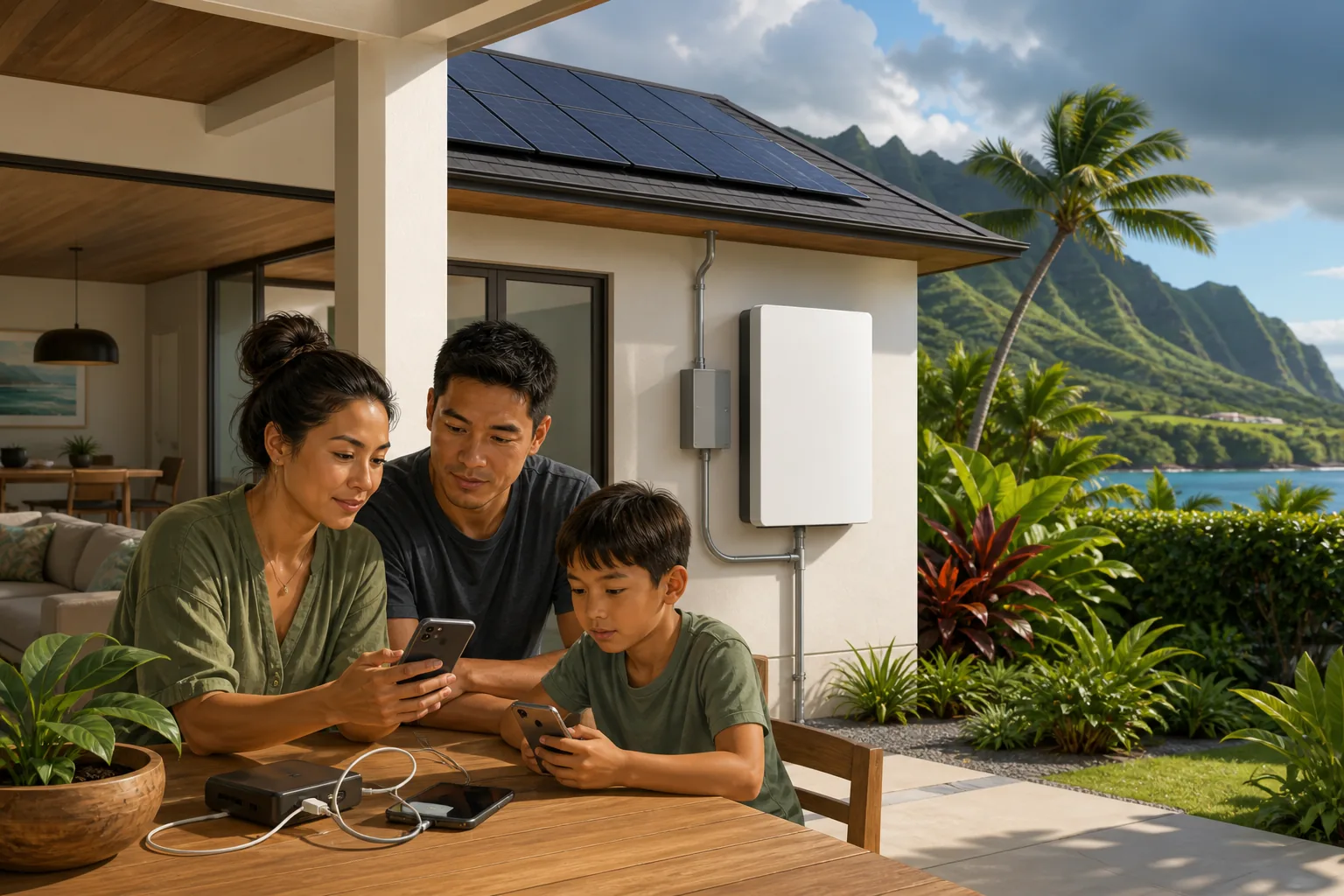
Open the Tesla app, confirm it connects to your system, review outage notifications and Backup Reserve, charge essential devices, and identify the household loads that matter most.
Tesla explains that Storm Watch may prepare Powerwall for certain severe-weather events. Event eligibility and system conditions vary, so keep a household plan as well.
Confirm backup status
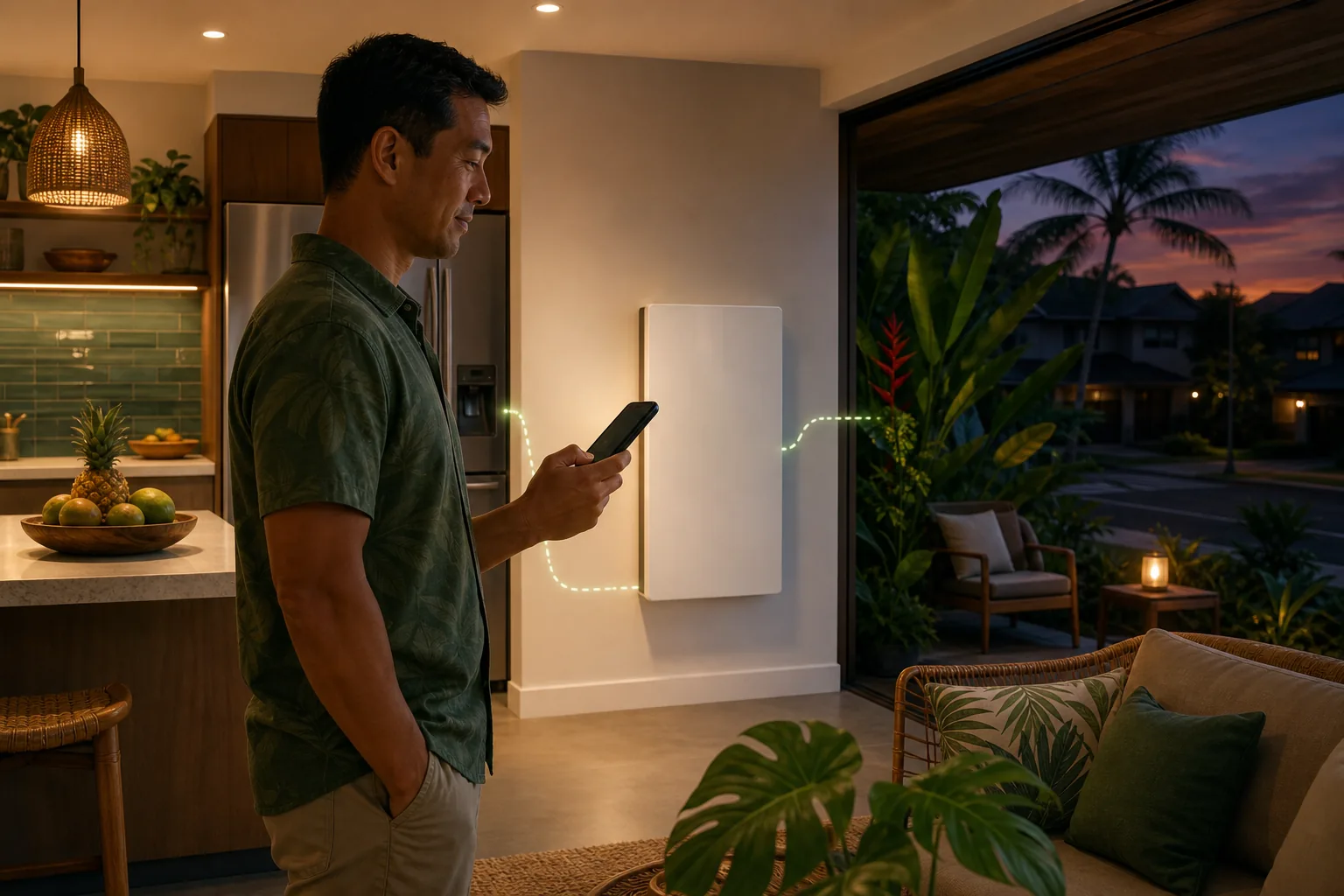
Check energy flow, Powerwall charge level, home consumption, and system notifications before changing how the home uses energy.
If internet or cellular service is unavailable, local monitoring may still be available when the phone has been paired correctly and is on the same local network as Powerwall. Review Tesla's current instructions in advance.
Prioritize essential loads
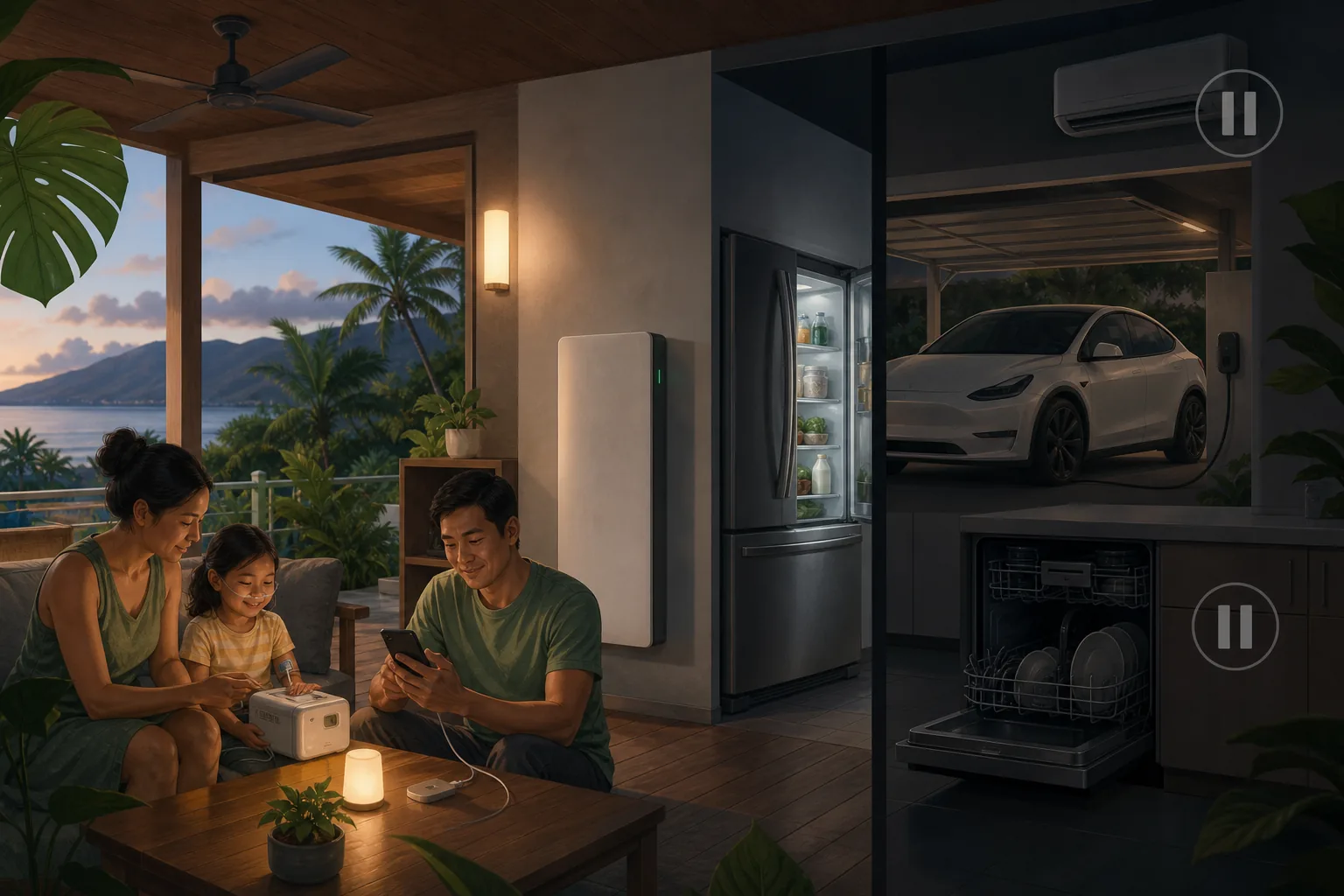
Start with refrigeration, medical and accessibility needs, communication devices, efficient lighting, fans, and other loads identified in the home's backup plan.
When practical, pause or limit energy-intensive equipment such as air conditioning, EV charging, electric water heating, dryers, dishwashers, ovens, and pool equipment.
Use daytime solar thoughtfully
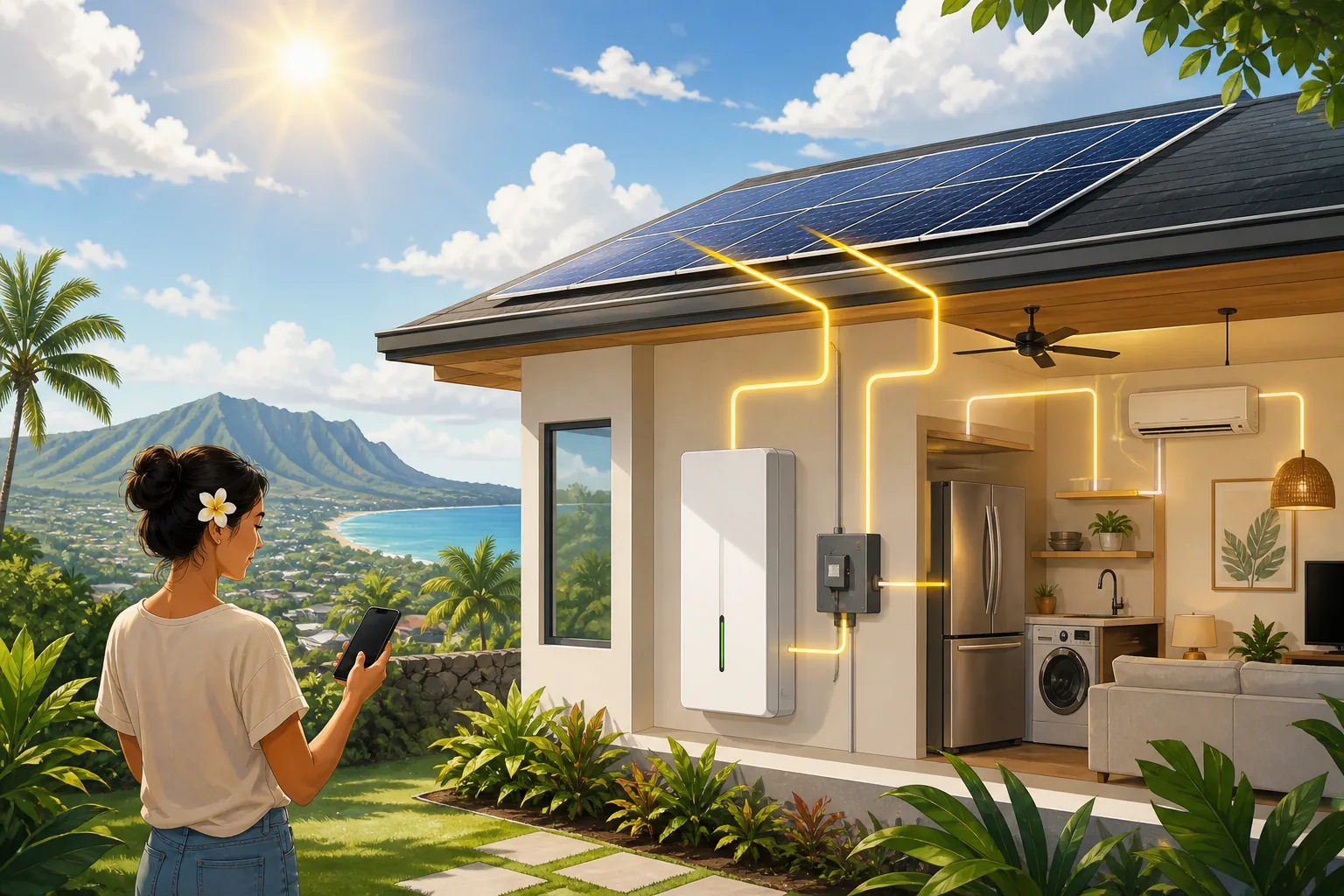
In a properly configured solar-plus-Powerwall system, available solar may power the home and recharge Powerwall during an outage. Use live energy flow instead of assuming that a sunny forecast guarantees a particular result.
Clouds, rain, shading, system configuration, equipment limits, and household demand can all change what is available.
Follow safe recovery guidance
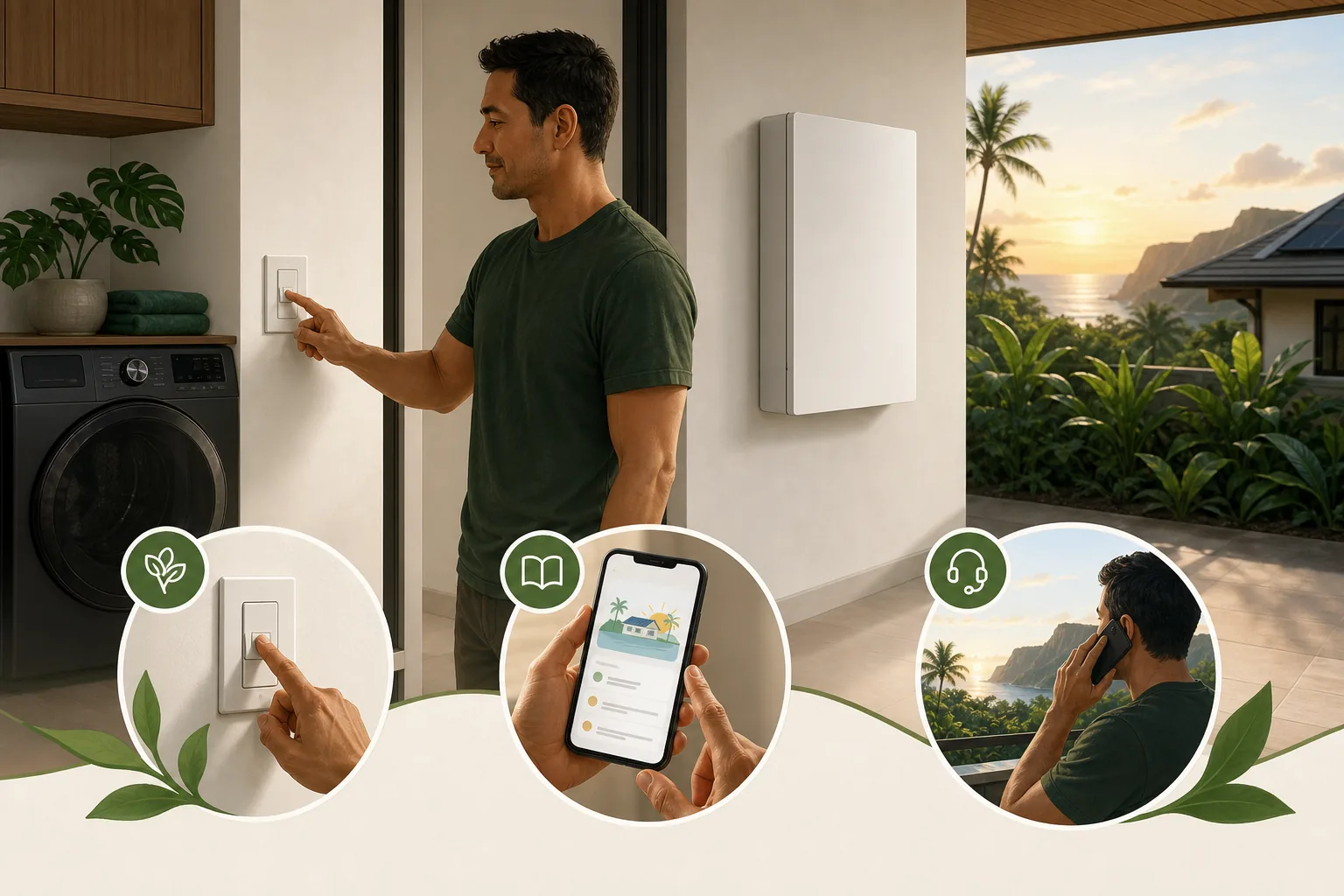
- Turn off high-energy loads and leave only essential needs.
- Read the current notification and instructions in the Tesla app.
- Use Tesla's official restart process only when its stated conditions are met.
- Keep Powerwall, Gateway, Backup Switch, and electrical panels closed.
- Contact qualified support if the system does not recover or may be damaged.
A simple Hawaii outage checklist
- Follow official emergency and utility instructions first.
- Confirm Tesla app access before severe weather arrives.
- Charge communication and medical-support devices.
- Know which household loads are essential.
- Pause high-energy appliances when backup duration matters.
- Monitor battery charge, home consumption, and available solar.
- Never open or work on battery or electrical equipment during an outage.
Frequently asked questions
Will Powerwall run my whole home during an outage?
That depends on system design, backed-up circuits, connected equipment, and available energy. A site-specific review is the right way to understand a particular installation.
Can solar panels recharge Powerwall while the grid is down?
They may when the system is configured for backup and enough solar is available after household needs are served. Weather, shading, configuration, home use, and battery status affect the result.
Can I monitor Powerwall without internet service?
Tesla provides local-monitoring instructions for limited-connectivity situations. Availability depends on prior phone pairing and connection to the same local network as Powerwall.
Should I restart Powerwall myself?
Use only Tesla's current documented process and stated conditions. Do not open equipment or attempt electrical work. Keep away from damage, water exposure, heat, smoke, sparking, or burning odors and contact qualified help.
Need help reviewing your backup plan?
Alternate Energy Hawaii can help customers review solar, battery storage, monitoring questions, backed-up loads, and system-support needs based on the home's actual equipment and electrical design.